Everything is a file in Linux 🤨
This is a common principle for Linux people, which is why I want to share it with people who don't know it. The idea of "everything is a file" comes from early Unix and makes Linux powerful in automation, debugging, and observability.

Aymen Chikeb
11/23/2025
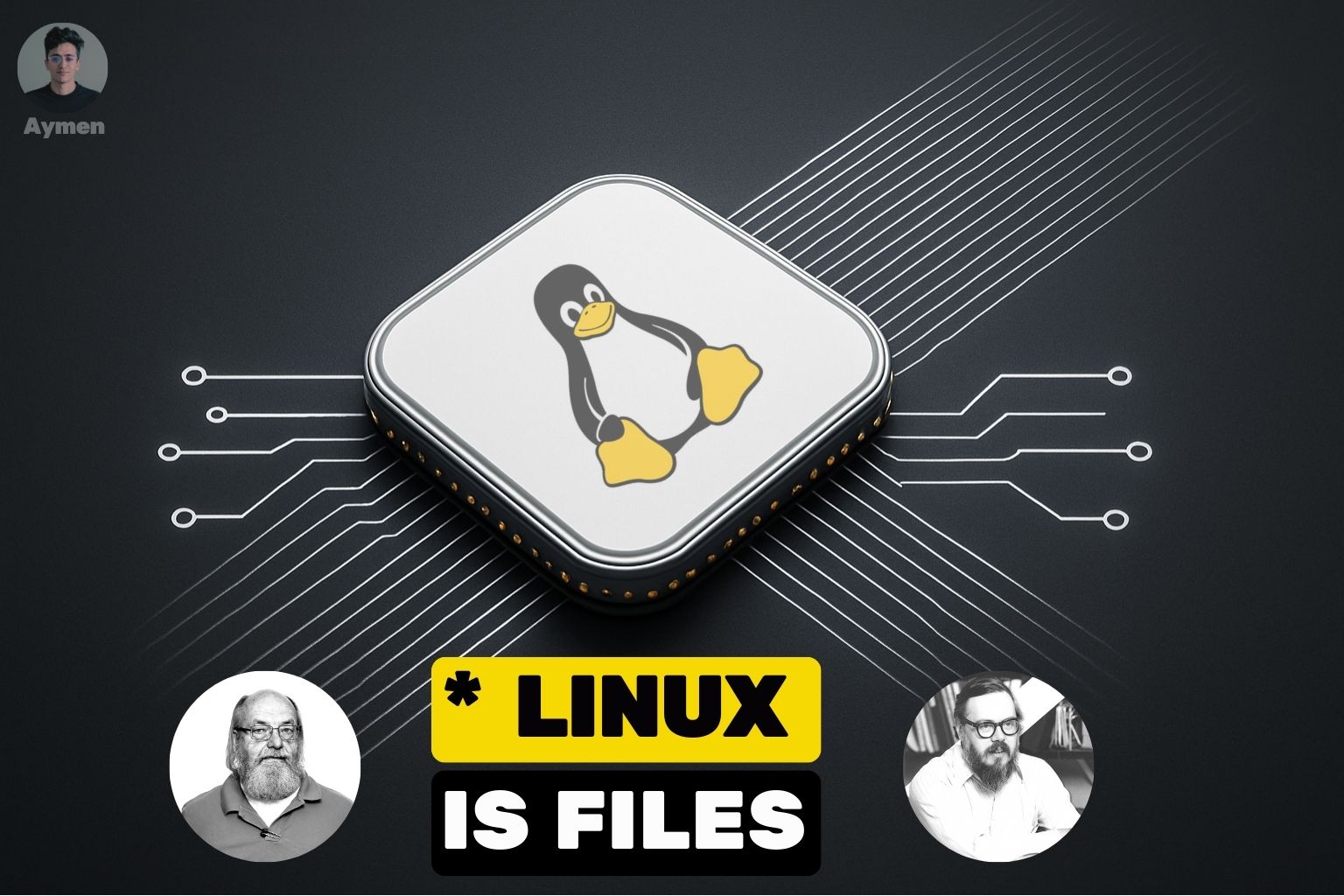
Everything is a file in Linux 🤨
(This is a common principle for Linux people, which is why I want to share it with people who don't know it.)
Before learning everything, we must understand why, and in "why" is included why they thought about it (no, I'm not a philosophical person). The idea of "everything is a file" comes from early Unix (AT&T Bell Labs) by the designers Ken Thompson (left person in picture) and Dennis Ritchie (right person in picture). [Behind every good software there are people who risk their time, love, and believe in what they do—not for money (money comes last)...]
They had one goal:
Make the OS simple, consistent, and composable.
This means instead of inventing different APIs for: devices, disks, terminals, pipes, sockets, configuration, processes... they thought, "Why don't we represent everything as a file, and then we can use the same interface?"
open, read, write, close (And if you think a little bit, you will understand that every software is CRUD. Yeah, we know that there is innovation, but be honest—everything is Open, Read, Write, Close 😝. If you have another opinion, let's talk about it in detail/deep, and we will find that behind the scenes it's read/write.) Let's get back to our topic.
If you have a pipe, no problem: open, read/write, close, and let the kernel worry about the rest. I'm not convincing you? How about writing to your network card like you write to your delete.txt? Still not happy? What if I told you about your sound card (also open, modify it...)? Oh, dude, you're still not convinced... What if? ... You're still here. What if allowing certain (permissions/privileged) users to access your GPU the way you set permissions to your /users/secret-one and others? I think now you love it. Don't thank me. Thank Ken, Dennis, and every person behind UNIX.
That is the entire philosophy. This is why Linux is powerful in automation, debugging, and observability: "If you know how to read/write files, you can know how to interact with almost everything." But it's not all things, of course—there is design, logic, and algorithms behind it. For LinkedIn: I will prepare another post about it that can be a blog or something else. See you...
What Does "Everything Is a File" Actually Mean:
Linux represents system resources using file-like objects inside a global directory tree. Let's go through the categories:
-
Files are files
/etc/passwd
/home/user/data.txt
/var/log/syslog
They are all accessed through (open(), read(), write(), close()) Nothing special.
-
Directories are files
A directory is a special file containing a list of filenames + inodes.
You can confirm using
statorls -ld:drwxr-xr-xType d → directory = file with type "directory."
-
Devices are files (
/dev)This is where things get magical for systems engineers.
/dev/sda(disk)/dev/tty(terminal)/dev/null(bit bucket)/dev/random(entropy generator)/dev/kmsg(kernel messages)
Writing to
/dev/nulldiscards data.Reading
/dev/ttygives user input.# Open terminal write echo "Hello World" >> /dev/tty # In this use case, it writes to a file and closes it, but you will see "Hello World" in your current terminalReading
/dev/sdareads raw bytes from disk. -
As we said, networking is represented as files
Examples:
/sys/class/net/eth0/Files inside describe:
- link state
- MTU
- speed
- statistics
Why This Matters in Real Work (Kubernetes, clusters, debugging)
Remember: This principle is not just philosophy—it gives you superpowers.
Debugging a container
Inside a pod:
cat /proc/cpuinfo
cat /proc/meminfo
ls /sys/class/net
This tells you instantly about:
- assigned CPUs
- available memory
- network interfaces
Observing cluster nodes:
You can inspect node health using:
cat /proc/loadavg
cat /proc/uptime
cat /proc/kmsg
Kubelet itself reads these files to report node metrics.
And everything behind this has an algorithm, architecture, and many things. We will stop here for the moment.
to be continued...